WThe wall / Web
Web apps looking for beta testers.
Websites, web apps and SaaS products that makers have put on the wall. Nothing to install: open the link, follow the brief and write down what broke. Every report you write earns the credits that unlock the reports on your own project.
47 web apps on the wall, 17 open for testing
 Project

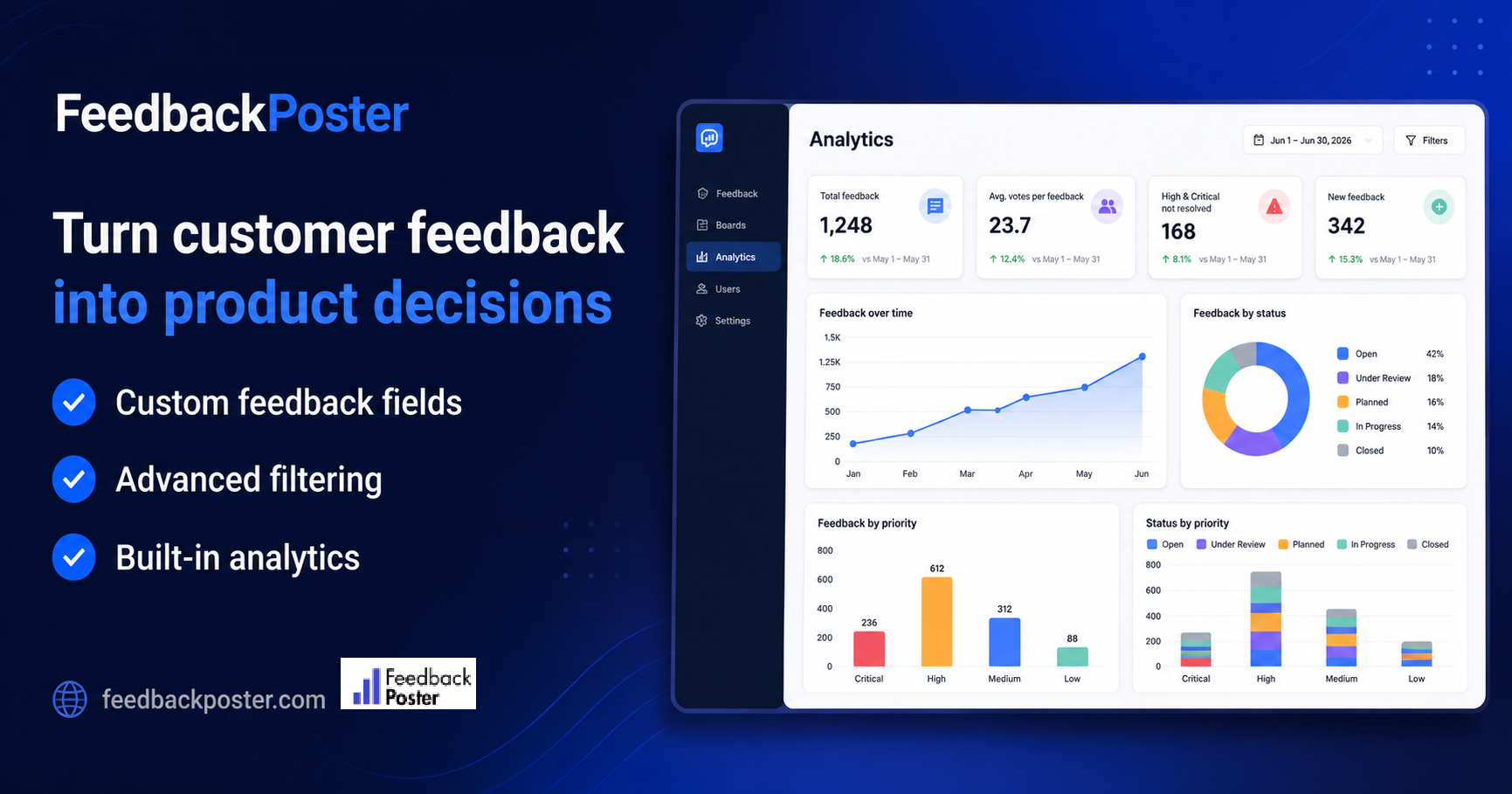
FeedbackPoster
Window7 daysMaker AnastasiosTesters3 / 3Tested
Customer Feedback Software with Custom Fields & Analytics
WebUI / UXGeneral feedback4.0 as a maker Project

Bastion smart lock app
Window7 daysMaker Aditya GollapudiTesters3 / 3Tested
Clickable prototype usability test
WebUI / UX5.0 as a maker- Project
SellerMargin Global — TikTok Shop Profit Tracker (Google Sheets Beta)
Window5 daysMaker AureTesters3 / 3Tested
Track TikTok Shop profits: payouts, costs, ads using settlement fees
Web 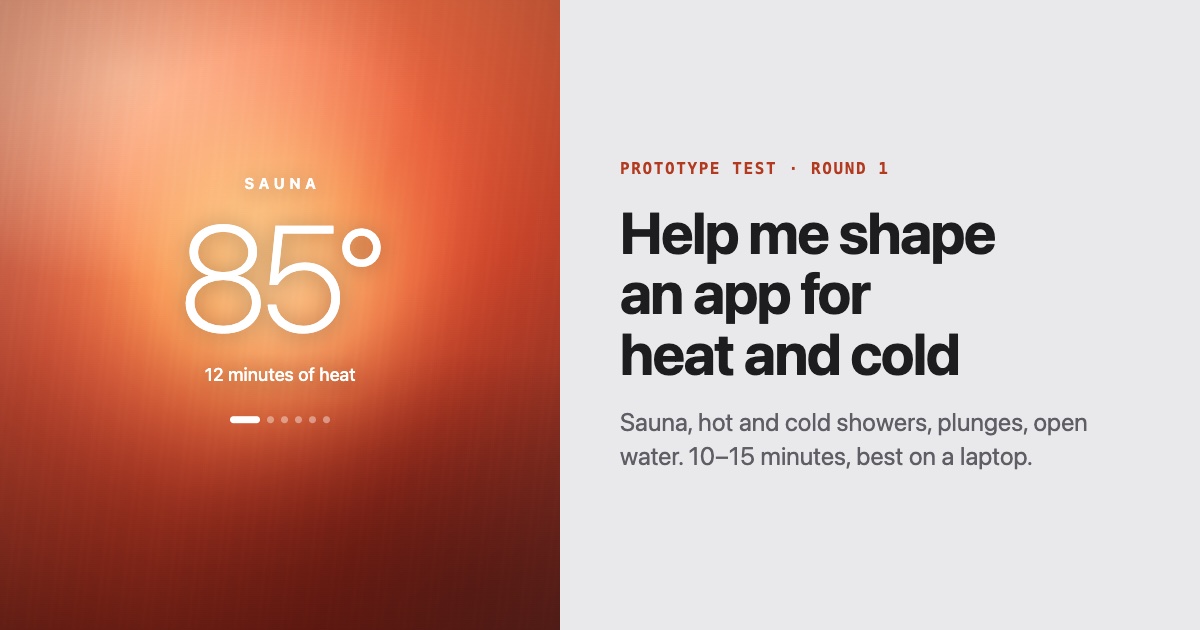 Project
Help me shape an app for heat and cold
Window7 daysMakerTLThành Đỗ LongTesters3 / 3TestedA clickable prototype for sauna, hot and cold showers, plunges and open water. 10 to 15 mi
WebBug huntingUI / UXOnboarding flowGeneral feedbackPricing feedback4.0 as a maker- Project

EUDR Tools
Window7 daysMaker Serdar DoğrubakarTesters2 / 2Tested
Free EUDR prep tools for scope, maps and risk records
WebBug huntingUI / UXGeneral feedback5.0 as a maker  Project
Makers Wall — Other makers test your product. You test theirs.
Window7 daysMaker MaximeTesters3 / 3Tested
Free beta testers for your side project: real makers test your app
WebBug huntingUI / UXOnboarding flowGeneral feedback4.8 as a maker Project
Napless
Window3 daysMaker Napless TeamTesters1 / 1Tested
Keep your Mac awake while you work
WebmacOS3.0 as a maker Project
Tripo AI
Window7 daysMaker Tripo AITesters1 / 1Tested
Turn Text and Images into 3D Models Online
WebUI / UXOnboarding flowNew maker Project
Tuck
Window3 daysMaker Tuck SupportTesters1 / 1Tested
Free Menu Bar Manager for Mac
WebmacOSNew maker

Why test web apps
They are the quickest projects to pick up: one link, any laptop, no store review in the way. Most of what goes wrong on a web app shows up in the first ten minutes, which makes them a good first test if you are new here.
Once the maker has fixed what you found, they can start a new round, and you can test the new version again for another 20 credits.
What to check on web apps
- Sign-up, email confirmation and password reset, end to end.
- The page on a phone-sized window: menus, tables and modals.
- What happens on a slow connection or a refresh mid-flow.
- Empty states: what a brand-new account sees before adding anything.
- Pricing and plan limits: are they clear before you pay, and enforced after?
- Browser back button and links opened in a new tab.
Building for Web? Put yours on the wall.
Paste your link. We read the name, the icon and the cover, and show you the card other makers will see on the wall. You only create an account when you publish it.
Questions
- Do I need anything special to test a web app?
- No. A browser is enough. Some briefs ask you to try a phone-sized window too, and the brief says when a test account is provided.
- How long does a web app test take?
- It depends on what the maker asks you to look at. Once you claim a project you have a window of a few days (between 1 and 7, set by the maker) to submit your report, so you can split it over several sittings.
- Can I list a SaaS that needs a paid plan?
- Yes, as long as testers can reach what you want tested. Give them a test account or a coupon in the private brief, which only the testers who claim your project can read.